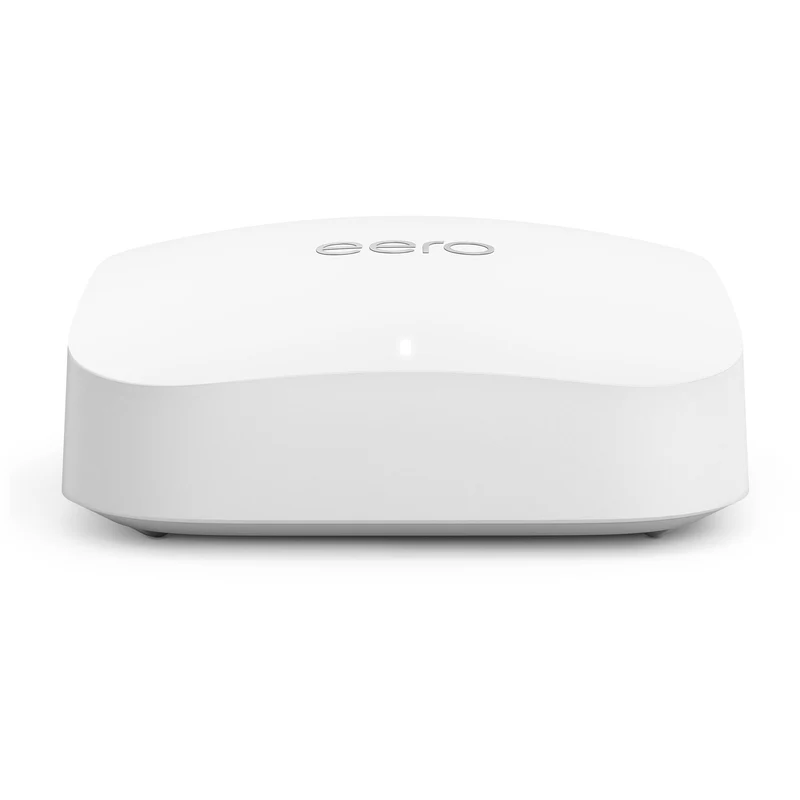
How to Set Up the eero Pro 6E
The Amazon eero Pro 6E is famous for having one of the easiest, most frictionless setup processes in the networking industry. Because it lacks a traditional web interface, 100% of the installation is handled through your smartphone.
Step 1: Get the App Ready
Before you unplug your old router, download the eero app from the Apple App Store or Google Play Store. You will need to create an eero account or log in with your existing Amazon credentials.
Step 2: Connecting the Gateway Node
Your eero kit comes with identical nodes. The first one you plug in automatically becomes your "Gateway" node.
- Disconnect the power from your internet provider's modem.
- Connect the provided Ethernet cable from your modem to either of the two Ethernet ports on the back of an eero node (eero ports are auto-sensing, so it doesn't matter which one you use).
- Plug the modem back into the wall, wait a moment, and then plug the eero node into the wall.
Step 3: Following the App Prompts
Open the eero app. It will use Bluetooth to automatically find your new eero device. The app will guide you through naming your Wi-Fi network and creating a password. Once this first node is online, it will likely download a quick firmware update.
Step 4: Adding Additional Nodes
If you bought a 2-pack or 3-pack, it is time to expand your coverage.
- Take your second eero node and place it halfway between the gateway node and your Wi-Fi dead zone.
- Plug it into power.
- In the eero app, tap the "+" icon in the top right corner and select "Add an eero device." The app will test the signal strength and confirm if the placement is optimal.
The Built-in Smart Hub
The eero Pro 6E includes a built-in Zigbee smart home hub. Once your network is running, you can connect compatible smart bulbs, locks, and plugs directly to the eero via the app, eliminating the need for extra bridges plugged into your wall.